
Let the screen float.
Best when the screen footprint is stealing useful depth from a fixed workstation.
Desk real estate
If your keyboard, notebook and coffee keep competing for the same strip of space, start with what is stealing it—not with another organizer.
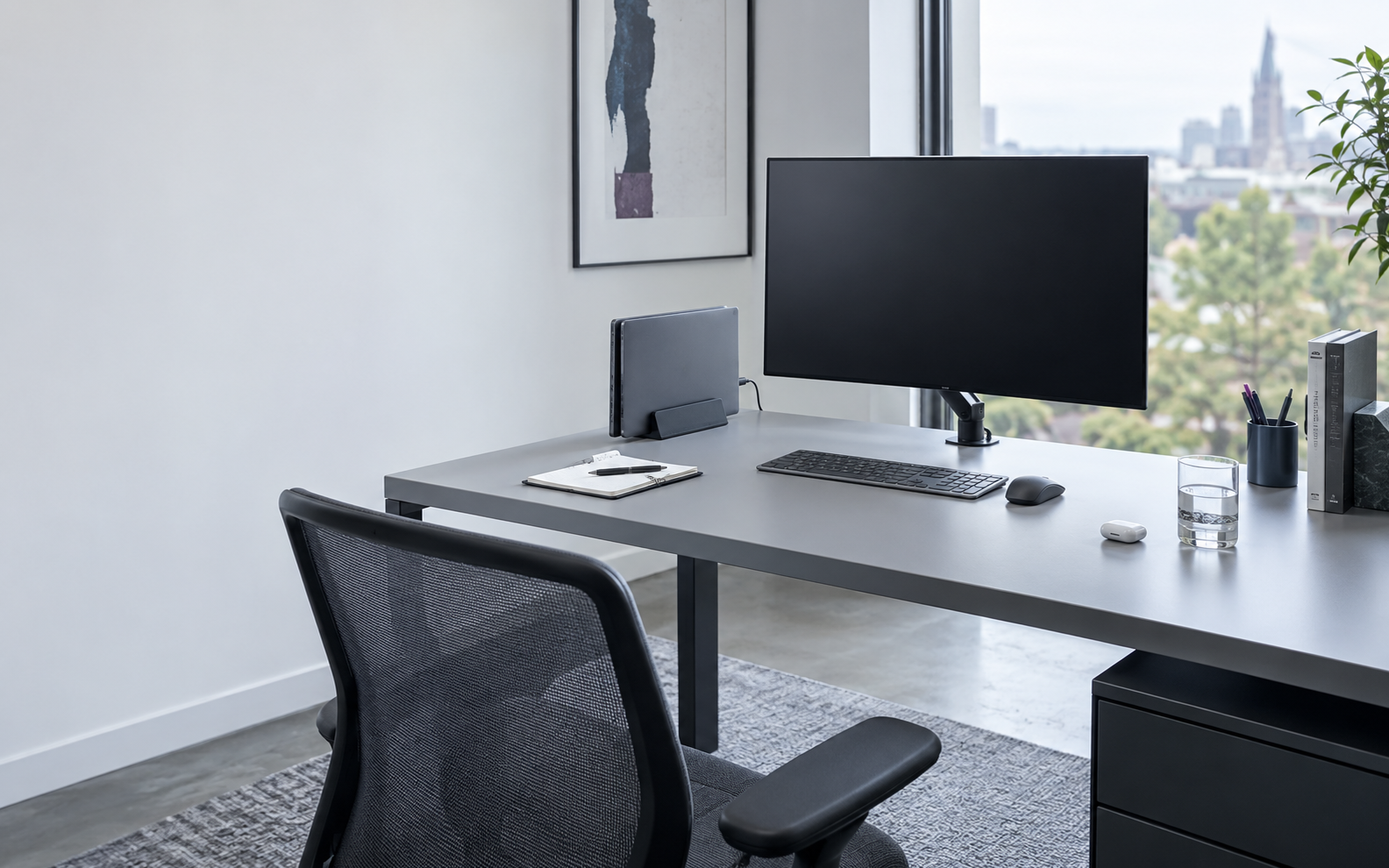
If screens eat the desk
A monitor base can quietly occupy the exact depth you need for writing, reading or moving the keyboard.
If cables keep returning
A repeatable entry point plus hidden bulk does more than chasing individual tangles across the desktop.
If small things migrate
The pen you use hourly can stay close. The spare adapter you touch on Friday has not earned the same space.
If paper never leaves
One visible document can support the current task. A growing stack is usually several different decisions mixed together.
If devices need somewhere to park
A closed laptop, phone or headphones should remain reachable without occupying the same territory as the task in front of you.
As an Amazon Associate, Ravnora Decor may earn from qualifying purchases. Product links may open on Amazon.
The Ravnora Surface Budget
The useful desk is not the emptiest desk. It is the desk where every object has earned its position.
Tap a zone. The rule, what moves, and the relevant product route change with it.
 One surface. Five different jobs.
Keep enough clear depth for hands, keyboard, mouse, notebook and the task happening now.
An object earns this position only when your hand returns to it throughout the current work session.
Lift the equipment you look at so the surface underneath can become useful again.
Cables should enter predictably rather than crossing the space where your hands and current work need to move.
If you need an object but do not need to see it, the desktop may be the wrong place for it.
Change the plane
Start at the highest-impact move. Stop as soon as your desk has enough working territory again.
Best when the screen footprint is stealing useful depth from a fixed workstation.
Use a shelf or lift when you want height without committing to a clamp-on screen route.
Closed devices can remain reachable without lying flat across valuable desktop territory.
Hardware below the surface can return the front or side of a small desk to actual work.
The cable path
Do not solve a recurring path problem with repeated tidying.
Anchor what you touch. Bundle what travels together. Hide the bulk. Park the devices that keep returning.
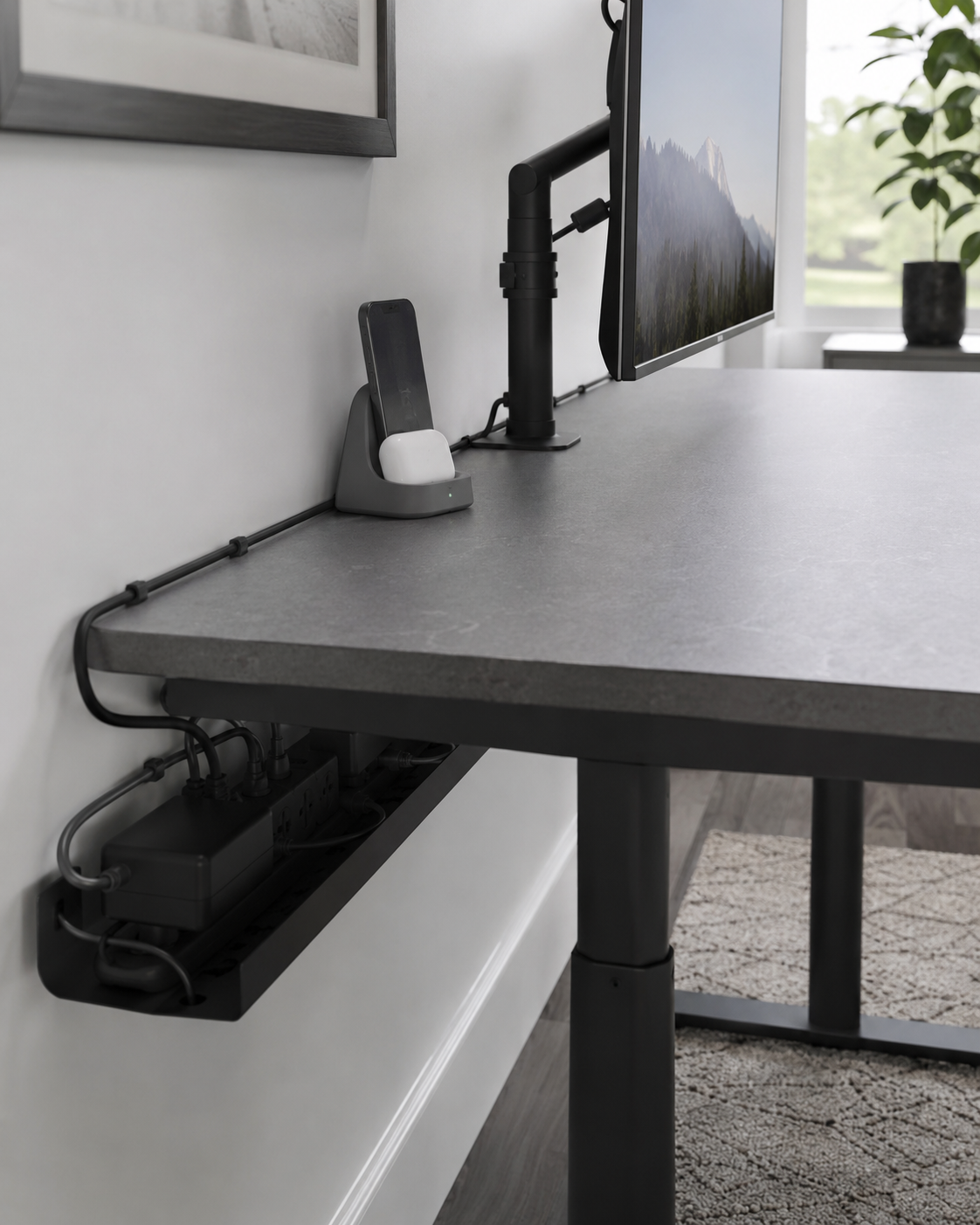
Give frequently reached charging leads a repeatable return point.
Contain the cable drop, then control spare length rather than letting it spread.
Choose under-desk capture when mounting works, or a contained hideaway when it does not.
A fixed phone position and one charging point stop devices from drifting into the writing zone.
The visibility edit
Choose by reach frequency—not by how many organizers fit.
The closer something lives to your hands, the more often you should actually use it.
Repeated reach earns visibility. It does not earn unlimited surface area.
Move these objects toward the side or rear edge where they remain easy to retrieve.
Objects used occasionally should be easy to find—not constantly present.
Move the object under, vertical or into contained paper storage.
Creates one intentional boundary for the tools actively supporting the task.
Check sizeKeeps repeated small-object reach in one controlled visible strip.
ExploreKeeps the phone visible without letting it migrate into the active writing area.
See optionsGives the document you are actually using a defined viewing position.
Inspect this routeMoves secondary stationery into an existing drawer while keeping categories retrievable.
Check drawer fitKeeps a small working set of books or notebooks from spreading horizontally.
ExploreMoves bulky headphones off the desktop while keeping them within reach.
Check mountingAdds retrievable storage without adding another visible desktop container.
Inspect fitSee the decision finished
Do not copy every object. Copy the logic that matches the way your desk loses control.
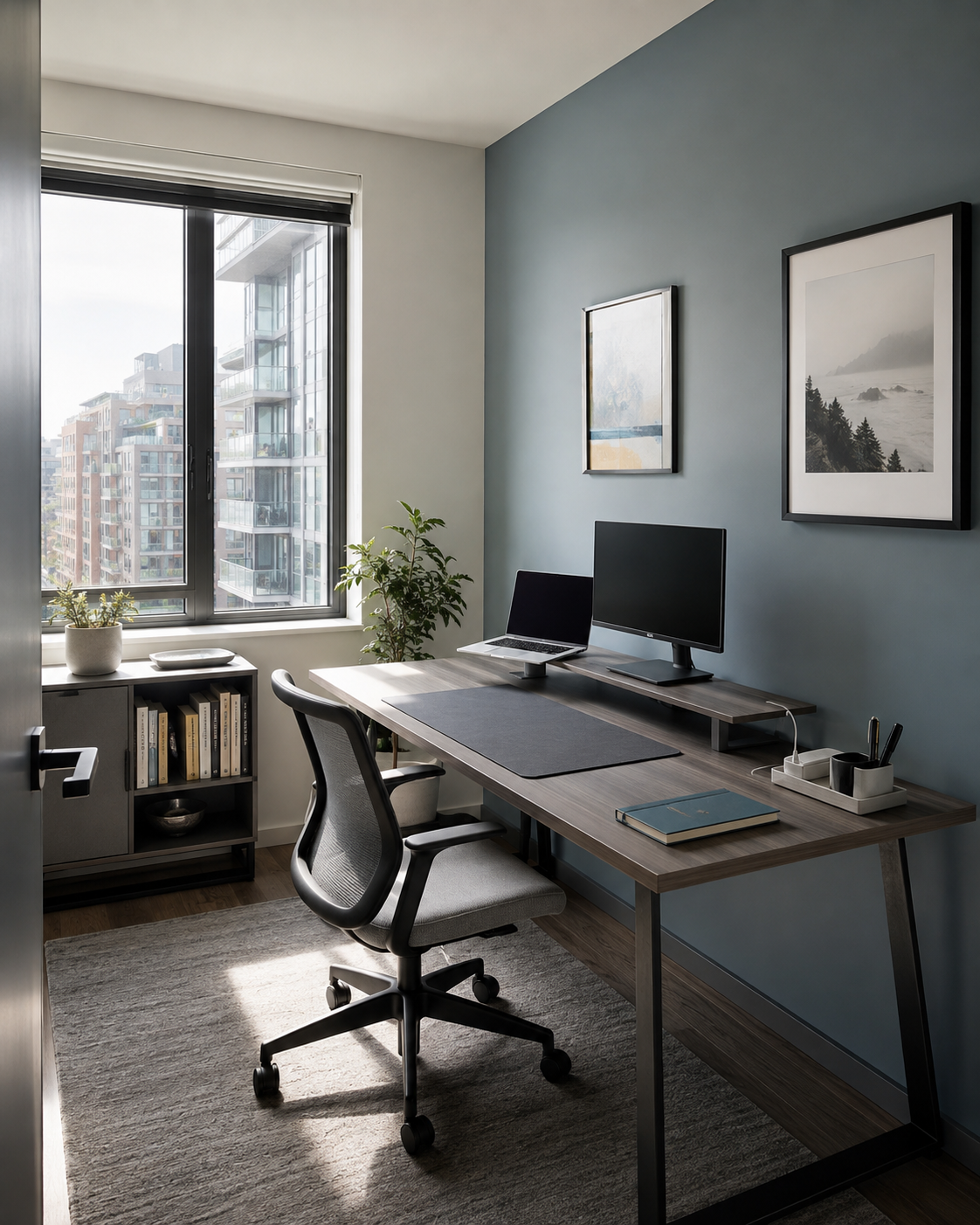
Lift the display, define the work area and cap how much visible storage is allowed to remain.
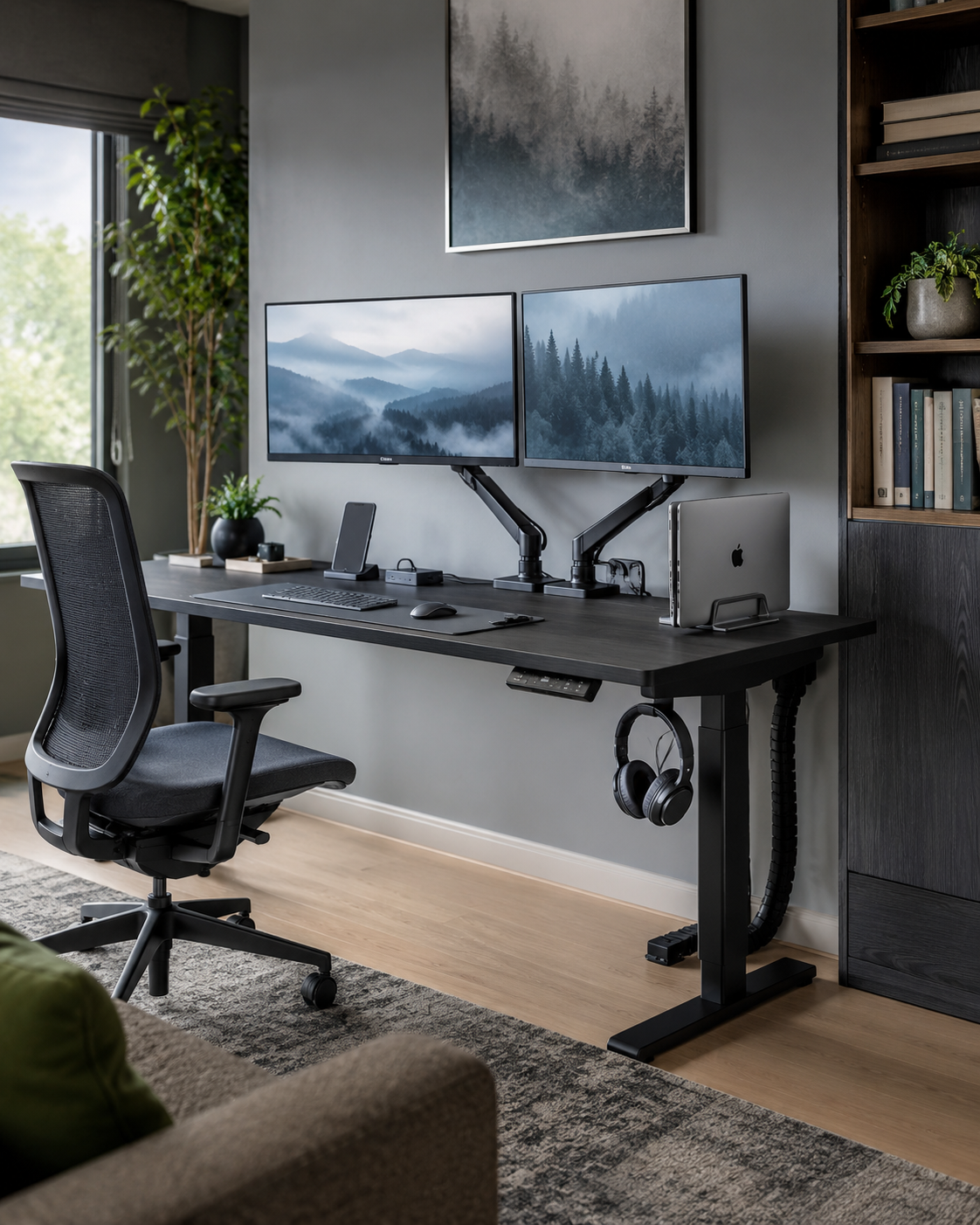
Float the screens, park the closed laptop, route the cables and return devices to one charging edge.
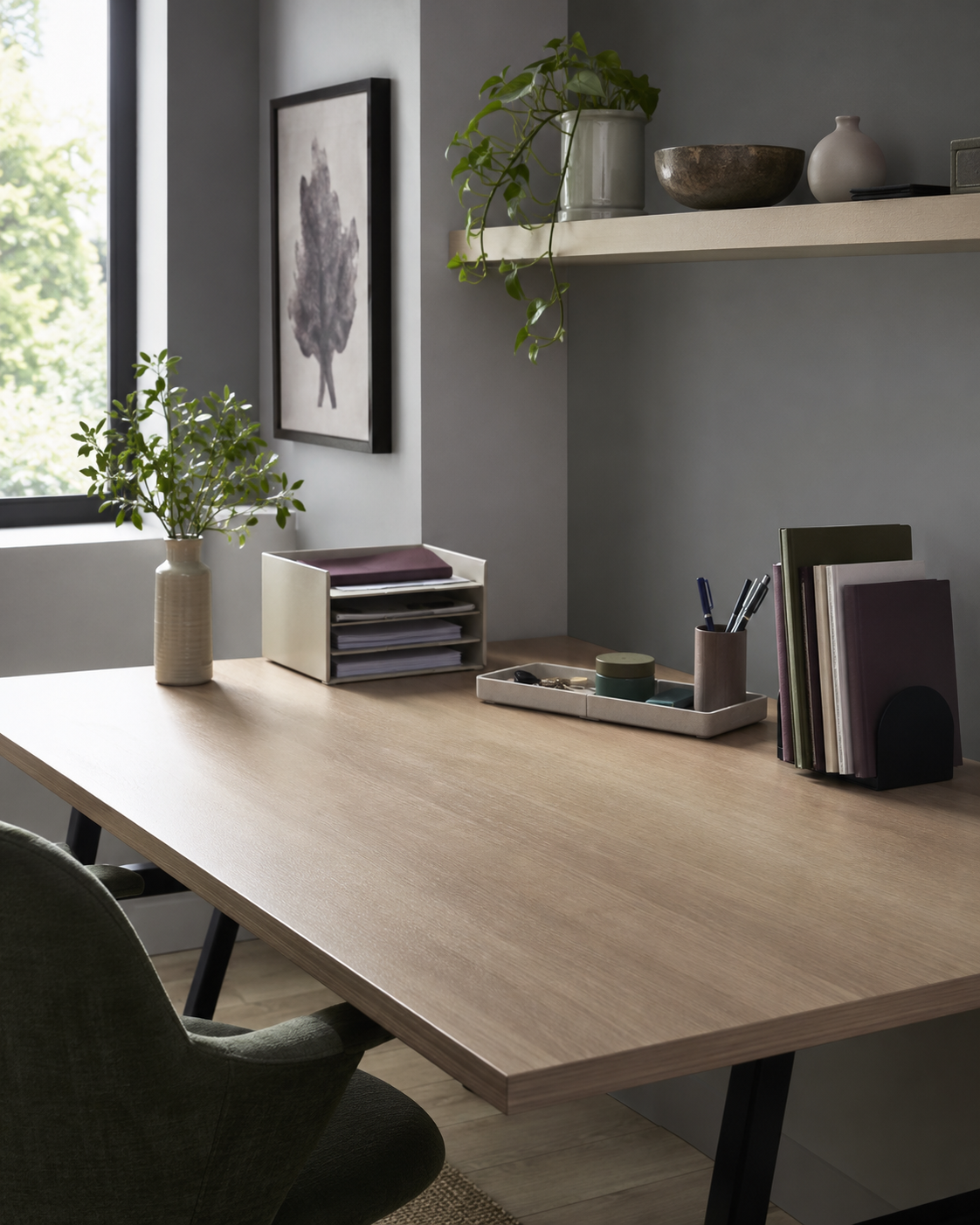
Give active paper a defined rear zone, stand reference material upright and protect the center for making.
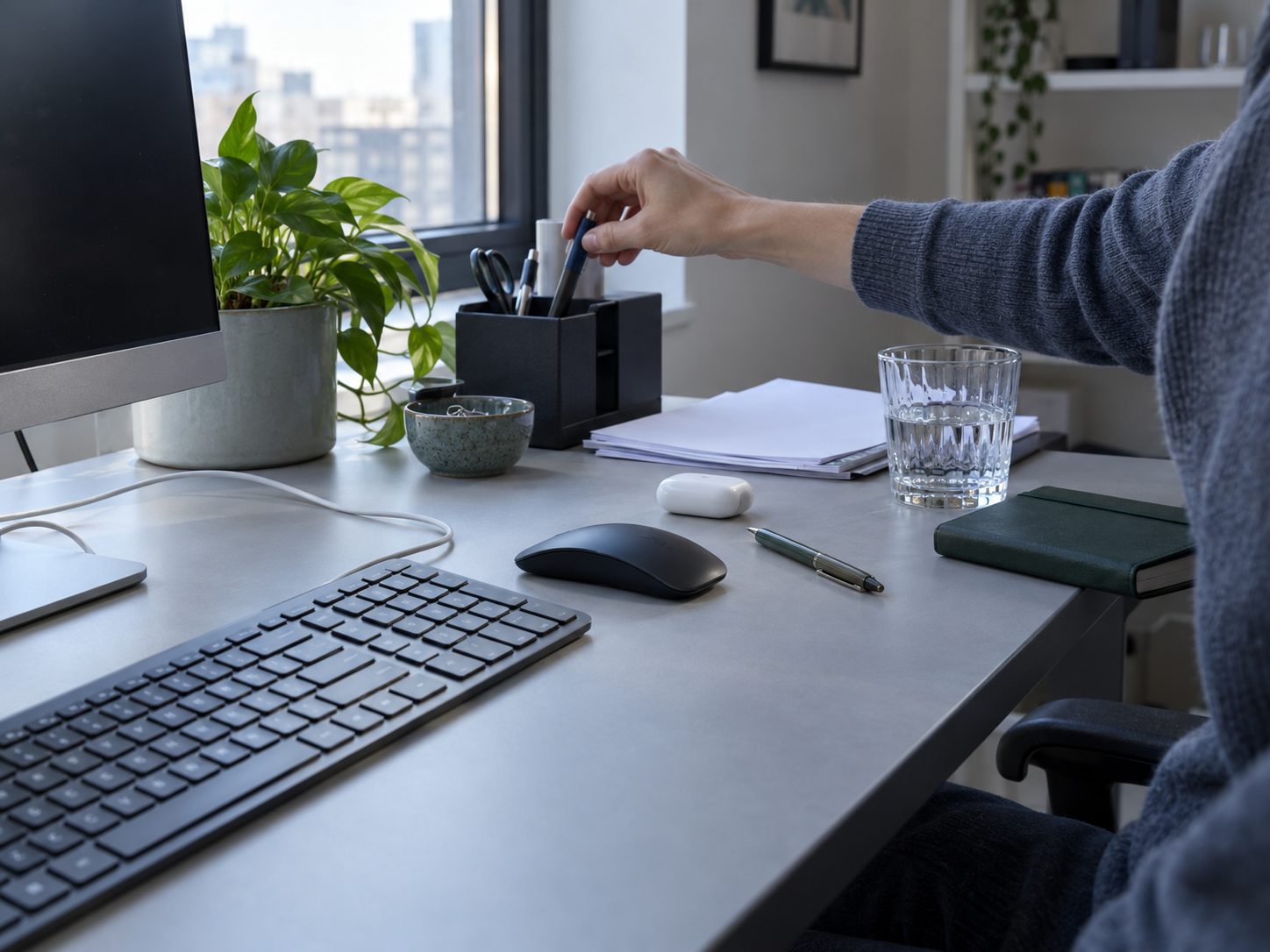
The 60-second reset
Try this before adding another object. The accessories that still make sense afterward have a much clearer job.
Mistake → better move
The better move usually changes position, frequency or route before it adds another container.
The Fit Gate
Different accessory types fail for different reasons. Choose the route you are considering.
Product details can change. Treat this as a room-side verification prompt, then confirm the current listing before ordering.
Complete retrieval library
The page above explains what to do. This library exists so you can retrieve the exact product family without scrolling through a marketplace-style wall.
Product names above describe the role each pick plays in the Ravnora system. Check the current Amazon listing for the exact brand, configuration, dimensions, included pieces, compatibility and availability before ordering.
As an Amazon Associate, Ravnora Decor may earn from qualifying purchases. Product links may open on Amazon. Verify current product details and suitability for your own desk before purchasing.